

Steps for Attended Transfer
- A customer calls your IP phone.
- Once the phone rings, answer the incoming call normally.
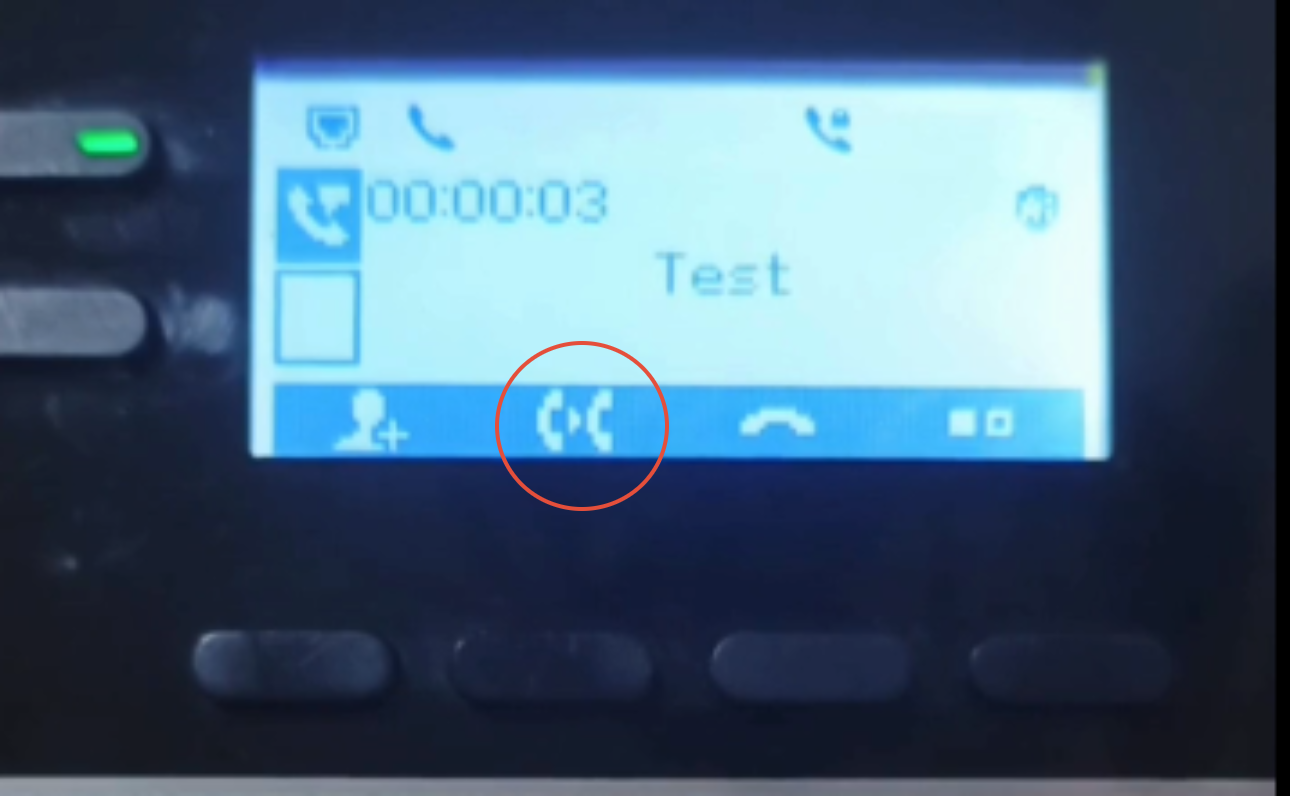
- Press the button below the icon with the two phone symbols to start the attended transfer process.
- Dial the extension or number you want to transfer the call to.
- Example: Extension 2005
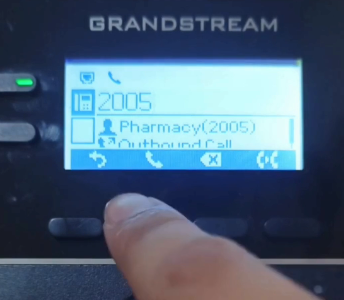
- Example: Extension 2005
- The original caller will automatically be placed on hold and will hear the hold music.
- Extension 2005 will begin ringing on their end.
- Once extension 2005 answers, only you and extension 2005 will be able to hear each other.
- Confirm first if the recipient is available to take the call.
- To complete the transfer, press the “Transfer” button on the IP phone.
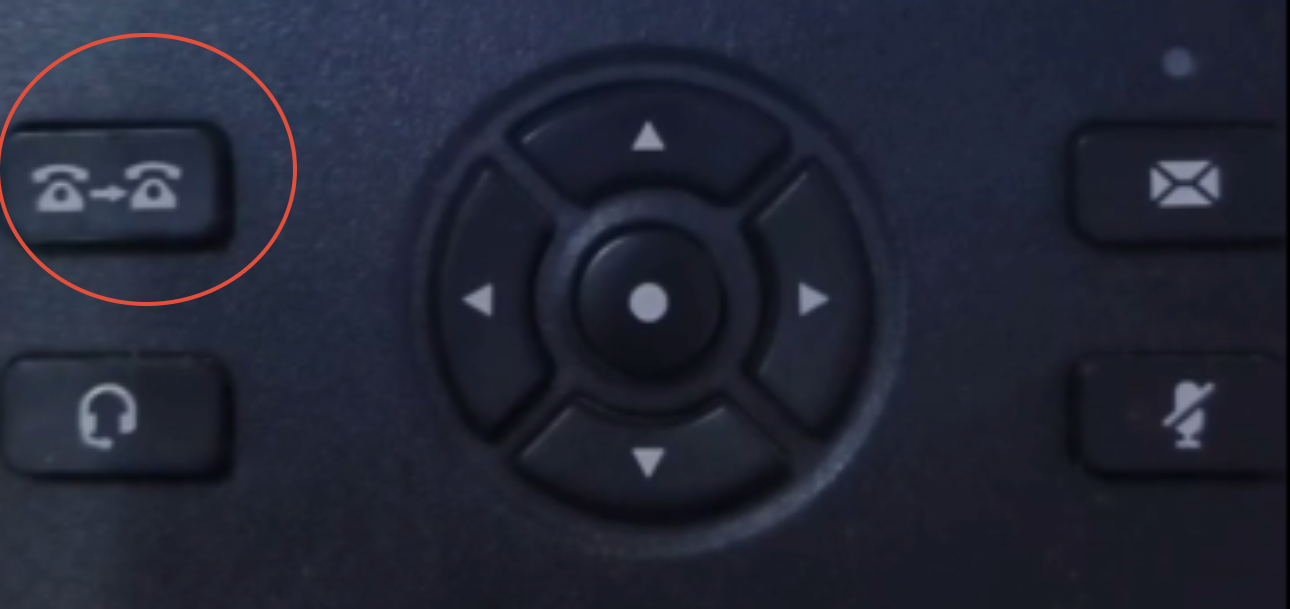
- A “Transfer Operation Complete” message will appear on the phone screen.
- The original caller and extension 2005 will now be connected and able to speak with each other directly.
Video Tutorial
Please refer to the attached video tutorial for a complete demonstration of the attended transfer process on the GRP2602W IP phone.